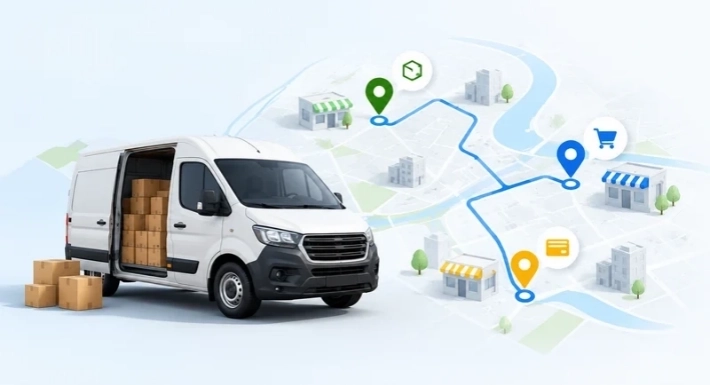
The short answer: AI improves van sales and distribution management by turning everyday business data into practical guidance. It can estimate what customers are likely to order, flag stock problems before a van leaves, suggest more efficient routes, highlight overdue accounts, and reduce repetitive admin work. It works best on accurate digital records, and your team still makes the final call.
If you run van sales, you already know the pressure. A rep drives out with the wrong mix of products. A customer runs out of your fastest seller. A late payment goes unnoticed for weeks.
This guide explains what AI can realistically do for distributors, what it needs to work, and how to evaluate software that promises it.
Why Van Sales Gets Hard as You Grow
In van sales, reps sell and deliver from a vehicle straight to retailers and wholesalers. It is common in beverages, snacks, bakery, dairy, and household goods.
Every day connects many moving parts: customer visits, orders, van and warehouse stock, invoices, payments, and routes. With a small customer base, spreadsheets and phone calls can hold this together. As you add customers, products, and territories, problems appear:
- Vans leave without enough of the products that sell fastest.
Routes follow habit instead of priority.
Managers see yesterday's numbers, not today's.
Overdue balances surface late.
These are data problems as much as people problems. That is where AI helps.
What AI Really Means in Van Sales
In this context, AI means software that studies your business data, finds patterns, and recommends actions. It builds on your records. It does not replace them.
Much of what distributors need, such as invoicing, GPS tracking, and offline order capture, is standard software functionality, not AI. The difference shows up in the questions each one answers.
Area
Standard software
AI-assisted software
Orders
Records what each customer bought
Estimates what and when a customer may reorder
Van stock
Shows current stock levels
Flags likely shortfalls against expected demand
Routes
Stores the customer list and visit schedule
Compares alternative stop sequences against priorities and constraints
Reporting
Shows sales totals and charts
Highlights unusual changes and summarizes them
Payments
Lists open invoices
Flags accounts whose payment delays are growing
6 Ways AI Improves Van Sales and Distribution Management
1. Forecast Demand and Predict Orders
AI studies past orders by customer, product, and season, then estimates what is likely to sell next. This helps you decide what to purchase and what to load on each van.
Useful inputs include order quantities, how often each customer buys, seasonal patterns, and recent changes in buying behavior.
Example (hypothetical): A beverage distributor serves 300 outlets, and demand for some products rises in warm months. A corner store usually reorders every two weeks and is now at day 16. The system surfaces that account and its usual products. The rep checks stock with the owner before deciding what to offer.
Keep in mind: Forecasts are estimates. Promotions, new product launches, and customers with little history can make them less reliable, so your team should review them.
2. Control Van Stock and Replenishment
AI compares expected demand on each route with the stock in the warehouse and on each van. This helps managers load vehicles with more confidence.
With reliable stock data, a system can:
Identify fast-moving and slow-moving products
Flag unusually low stock
Estimate replenishment needs
Spot expiry or excess-stock risks, where the data allows
Example (hypothetical): One product sells faster on Route 4 than the plan expected. The system flags it, and the manager reviews that route's stock allocation before the next loading cycle.
AI does not replace accurate stock transactions or physical counts. It helps your team focus on the gaps that matter most.
3. Plan Routes Around Real Constraints
Route optimization compares possible stop sequences against your goals, such as less travel time, priority customers, or delivery windows. Depending on the system, it can account for customer locations, visit priority, delivery windows, vehicle capacity, and traffic.
Example (hypothetical): A rep has 25 customers scheduled, and six need urgent replenishment. A planning tool groups visits by area and puts the urgent stops first. If a customer becomes unavailable, the route can be reassessed where real-time updates are supported.
The goal is not identical routes every day. It is a more purposeful day in the field. Actual savings depend on territory density, traffic, and the quality of your customer location data.
4. Prioritize Customers and Spot Sales Trends
AI helps managers and reps see which accounts and products need attention. It can flag customers whose order frequency has dropped, show products a customer bought before, suggest complementary items, and highlight territories above or below expectations.
For example, a dashboard may show that one product's sales fell in a territory over four weeks. AI helps you find the pattern. Your team's market knowledge helps you find the reason, whether that is stock availability, fewer visits, competitor activity, or pricing.
5. Follow Up on Payments Sooner
With accurate invoice and payment records, AI can highlight overdue balances and customers whose payments are slowing down. That lets you prioritize follow-ups before small delays become cash-flow problems.
Managers can also compare sales with outstanding balances to see whether higher sales are turning into payments.
AI should not decide a customer's creditworthiness or take action on its own. Keep clear business rules and human review in place.
6. Reduce Paperwork and Admin Time
AI can take over some repetitive tasks that pull reps and managers away from selling. Depending on the software, that may include:
Extracting details from supported receipts and invoices for review
Summarizing sales activity or unusual changes
Answering plain-language questions about sales data, where supported
Flagging incomplete or inconsistent entries
Always review extracted data and generated answers, especially when they affect financial records or customer transactions.
What AI Needs to Work: Your Data Checklist
AI cannot fix missing or messy records. Before you expect good recommendations, check that the basics exist.
Data you need
What it supports
Customer list with locations and visit history
Route planning, reorder reminders
Order and invoice history with consistent product names and units
Demand forecasting, order prediction
Stock movements, van loads, and returns
Stock alerts, replenishment planning
Invoice dates and payment records
Payment follow-up
Rep visits and activity
Performance insights
Common problems include duplicate customers, mismatched units, unrecorded returns, and paper-only invoices. Cleaning these up usually helps your operation even before AI is switched on.
AI also has limits. It cannot predict one-time events, replace a physical stock count, or understand local relationships the way your reps do.
How to Evaluate AI Van Sales Software
Many tools use "AI" loosely. These questions help you separate real capabilities from labels:
Which features are AI, and which are standard automation? Ask for specifics.
Are they available now on my plan, or still rolling out? Get this in writing.
What data does each feature need, and how much history?
Can my team review and override recommendations?
Does it work offline? This matters in areas with weak connectivity.
Can I control who sees and changes what?
How does it connect to my accounting and other systems?
How will I measure results? Agree on metrics before you start.
How to Get Started in 5 Steps
You do not need to change everything at once.
Digitize your core records. Customers, products, orders, stock, invoices, and payments.
Pick one problem and set a baseline. For example, frequent stockouts or late payments.
Pilot with one route or team. Compare results against your baseline.
Keep people in the loop. Require review for financial, stock, and customer decisions.
Measure and expand. Track stockout frequency, travel time, order accuracy, visit coverage, overdue receivables, and time spent on reports. Keep what works.
Where SalesRoute.ai Fits
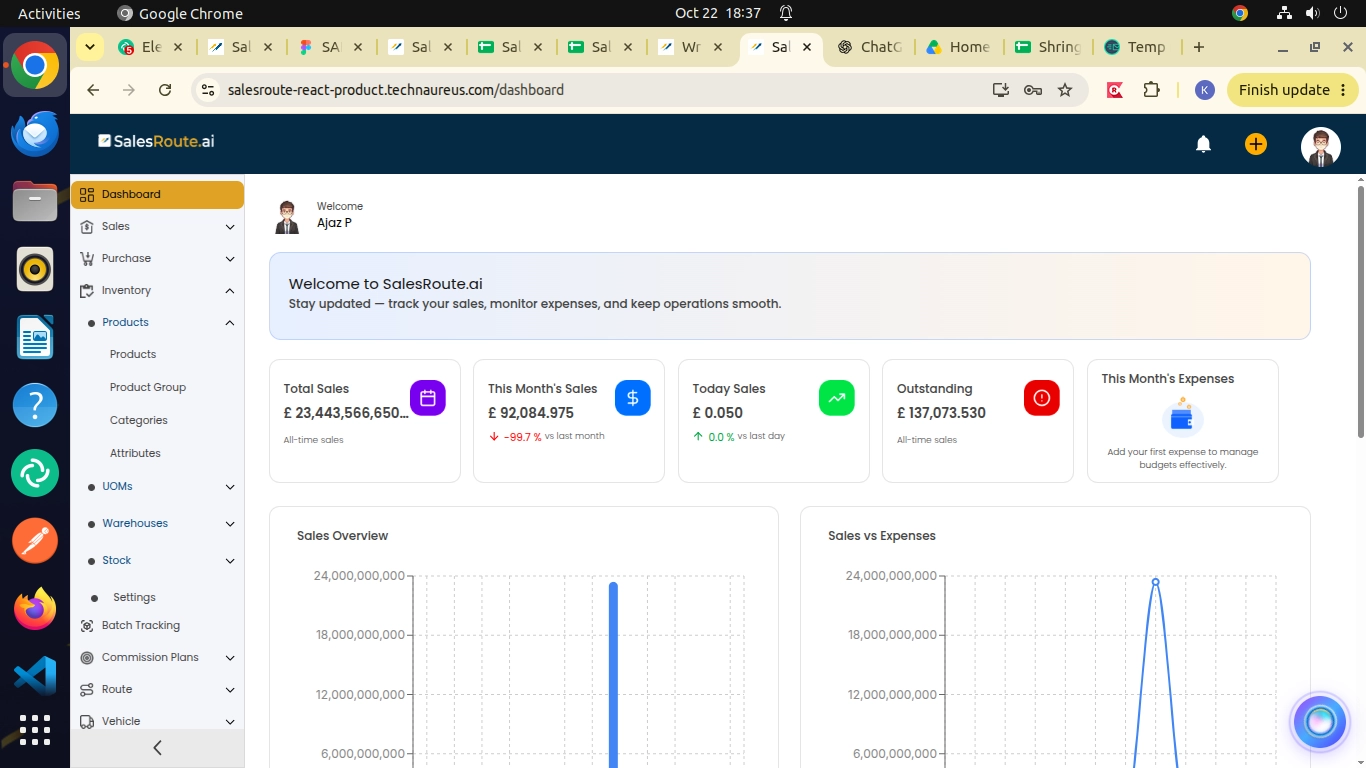
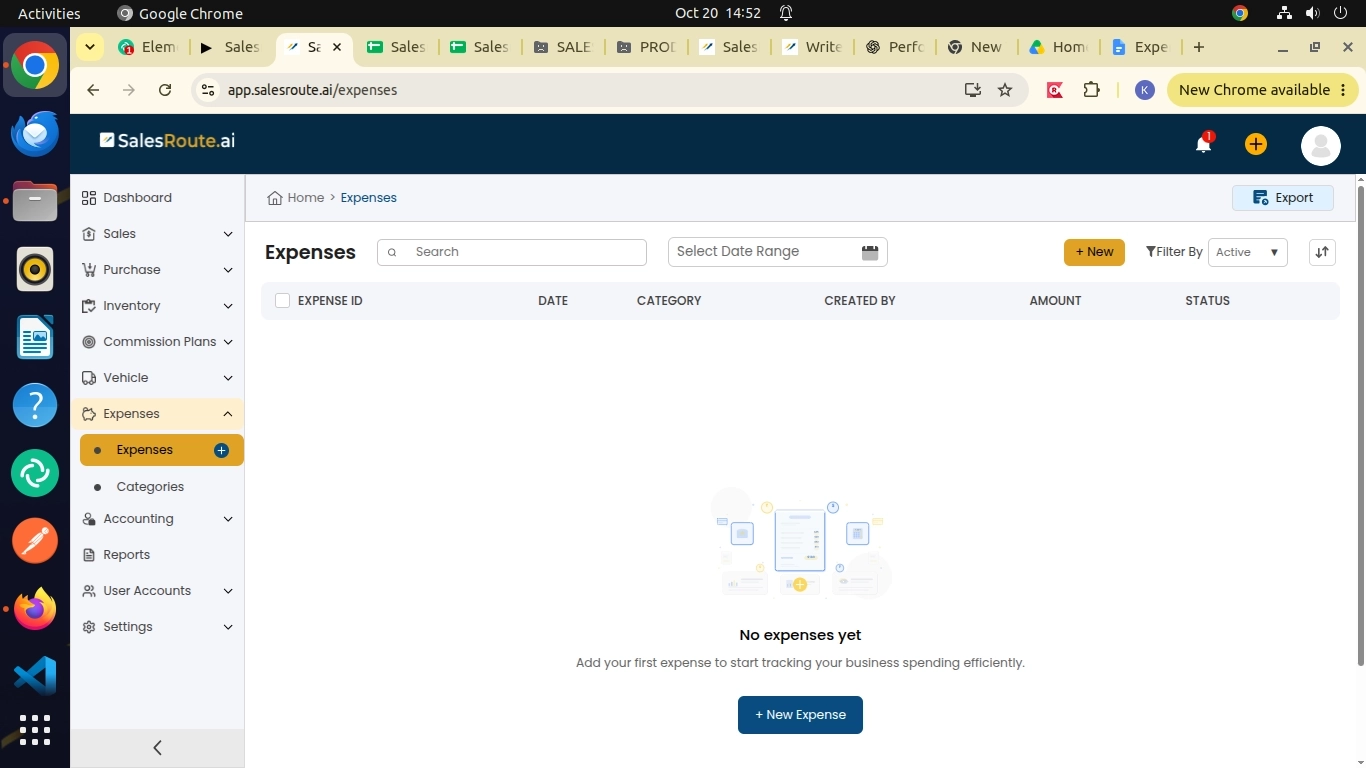
SalesRoute.ai is an AI-powered field sales management software for distribution firms, direct store delivery (DSD) businesses, and field sales teams. It brings orders, invoices, purchasing, inventory, expenses, and reporting together with route management and a mobile app for reps.
Here is how its listed capabilities relate to the problems above, according to its pricing page:
What you need
SalesRoute.ai capability
Plan listed
Orders, invoices, purchasing
Order, invoice, and purchase management
Basic, Standard, Advanced
Stock visibility
Inventory management and adjustments
Basic, Standard, Advanced
Rep follow-ups
Follow-up and visit reminders, smart reminder notifications
Basic, Standard, Advanced
Reporting
Analytics dashboard, daily and financial reports
Basic, Standard, Advanced
Route planning
Route management
Standard, Advanced
Daily guidance
AI agent for daily tasks
Standard, Advanced
Route optimization
Advanced route planning and route optimization
Advanced
Demand
AI order prediction
Advanced
Field visibility
Live GPS tracking, route deviation alerts, customer check-in and check-out
Advanced
Weak connectivity
Offline access
Advanced
SalesRoute.ai notes that its Advanced and AI+ features are being rolled out in phases, while the Standard plan is available today. Check the pricing page for current availability before you decide.
Ready to see which plan fits your operation? See SalesRoute.ai plans and features.
Frequently Asked Questions
1. What is AI in van sales?
AI in van sales means software that uses your sales, stock, route, and payment data to find patterns and recommend actions. Examples include estimating reorders, flagging stock gaps, and prioritizing customer visits.
2. How does AI help FMCG distributors?
AI helps FMCG distributors plan what to stock, decide which customers to visit first, spot slowing accounts, and follow up on overdue payments sooner. The value depends on how complete and accurate their records are.
3. What data does AI need for demand forecasting?
It needs order history by customer and product with consistent units, plus dates. Seasonal patterns, stock levels, and visit history make estimates more useful. More clean history generally means better estimates.
4. Is AI van sales software different from regular van sales software?
Yes. Regular van sales software records and organizes orders, stock, invoices, and routes. AI-assisted software builds on those records to estimate what is likely to happen and suggest next steps.
5. Does AI replace sales reps?
No. AI reduces repetitive work and highlights opportunities. Reps still build relationships, negotiate, and handle customer problems, and they should review AI suggestions before acting on them.
6. Can small distributors use AI?
Yes, if their records are digital and reasonably clean. Smaller businesses often start by digitizing orders, stock, and invoices, then add AI features once enough history exists.
7. Does SalesRoute.ai include AI features?
Yes. Its pricing page lists an AI agent for daily tasks and, on the Advanced plan, AI order prediction and route optimization. The site says Advanced and AI+ features are being rolled out in phases, so confirm current availability.