A sales rep confirms an order for 40 cases. The warehouse had 100, but 70 were already promised to other customers. Now the order is late, the customer is unhappy, and the team is hunting through spreadsheets to find out what went wrong.
This is the most common inventory problem distributors face: the number on the screen does not match what can actually be sold. This guide explains how to keep that number honest, from purchase to delivery, returns, and adjustments.
The Five Questions Inventory Management Should Answer
Inventory management tracks products from the moment they enter your business until they are sold, delivered, returned, or adjusted. A good process answers five questions at any time:
- What products do we have?
- Where is the stock?
- How much can we promise to new orders?
- Which products need replenishment?
- How did purchases, sales, returns, and adjustments change our numbers?
If your team cannot answer all five quickly, stock decisions are being made on guesswork.
On Hand, Committed, Available, and Incoming Stock
Most inventory confusion comes from treating four different numbers as one.
|
Term |
Meaning |
|
On hand |
Units physically in your location |
|
Committed |
Units already promised to customer orders |
|
Available |
Units you can still promise (on hand minus committed) |
|
Incoming |
Units ordered from suppliers but not yet received |
Example: You hold 100 units. Thirty are committed to existing orders. Your available stock is 70, not 100.
Forecast quantity looks ahead by combining these movements. In general terms: on hand, plus incoming, minus outgoing demand.
|
Detail |
Quantity |
|
Stock on hand |
100 |
|
Expected purchase receipt |
+20 |
|
Pending sales demand |
−35 |
|
Forecast quantity |
85 |
Forecast quantity helps you buy before a shortage, not after it.
Purchase Orders vs. Goods Receipts
A purchase order records what you plan to buy. It does not mean the goods have arrived.
Say you order 200 units from a supplier. Until the delivery is received and checked, those units are incoming, not available. Treating them as stock too early leads to promises you cannot keep.
A reliable receiving workflow looks like this:
- Create the purchase order.
- Track its status.
- Receive the goods when the supplier delivers.
- Check the received quantity against the order.
- Record any shortage, excess, or damage.
- Update inventory through the receipt.
Sales Orders and Realistic Delivery Promises
A sales order commits stock before it leaves the warehouse. Your team should check availability before confirming, then record the actual quantity delivered.
For example, if a customer orders 40 units from 150 on hand, 110 remains available for other orders. The 40 units still count as on hand until delivery is recorded, which is why available stock, not on-hand stock, is the number reps should rely on.
Multiple Warehouses and Van Stock
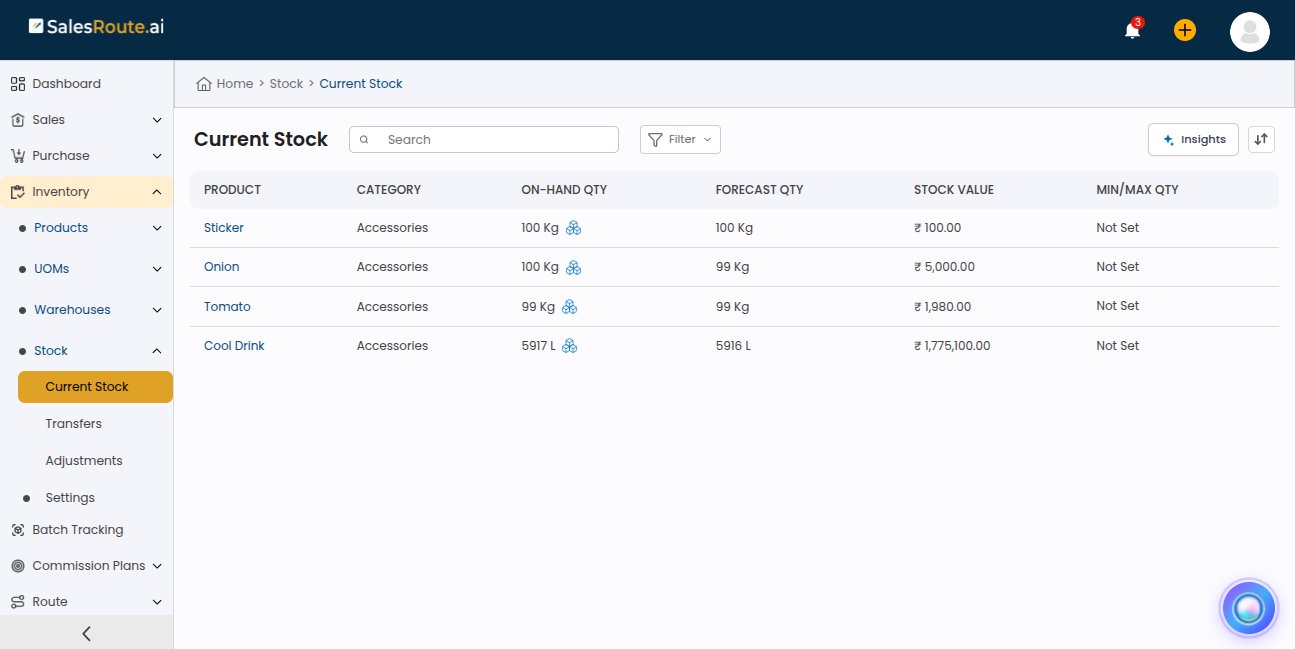
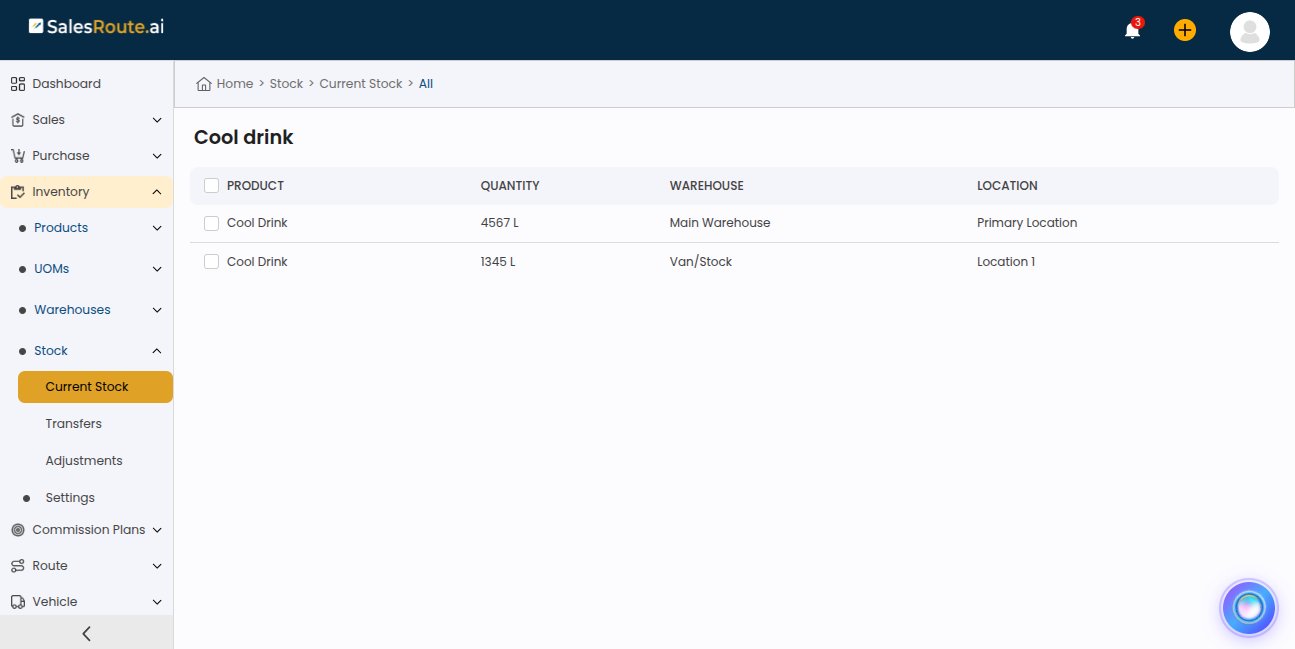
Total quantity is not enough when stock sits in several places.
Imagine 80 units in Warehouse A and 20 in Warehouse B. A rep serving a customer near Warehouse A needs to know whether the order can be fulfilled from the right location, not just from the 100-unit total.
For distributors with van sales, the van is a stock location of its own. Stock loaded onto a van is no longer in the warehouse, and what the rep sells on the route must be matched against what was loaded. Warehouse transfers and van loading should each be recorded, so every location shows a true count.
Returns: Request, Record, and Physical Receipt
A return passes through three stages, and each one affects stock differently:
- Return request: the customer says they want to return goods.
- Recorded return: the return is entered in the system.
- Physical receipt: the goods actually arrive and are inspected.
Returned goods should not count as sellable until they are received and checked. Damaged items need separate handling. The same principle applies to purchase returns, where you send goods back to a supplier and stock should fall only when the movement is completed.
Inventory Adjustments: Fix Mismatches the Right Way
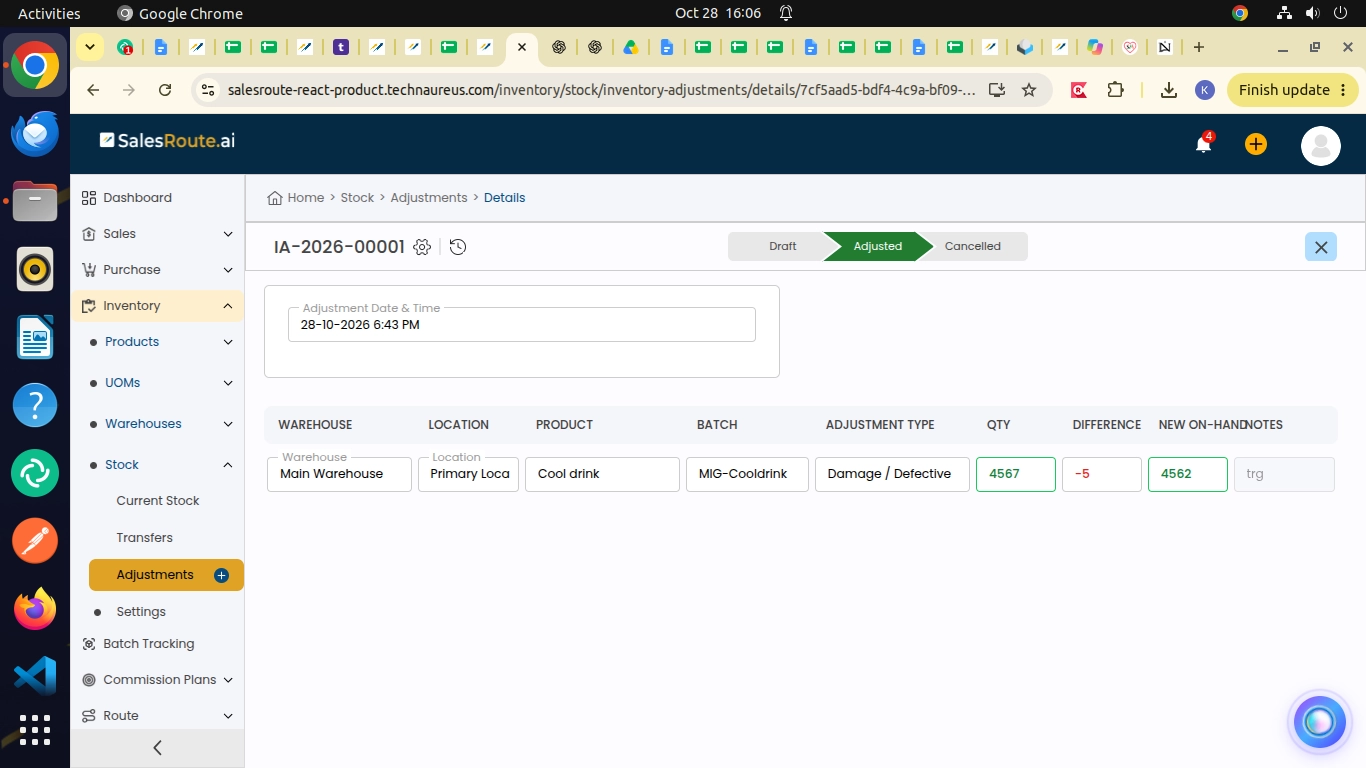
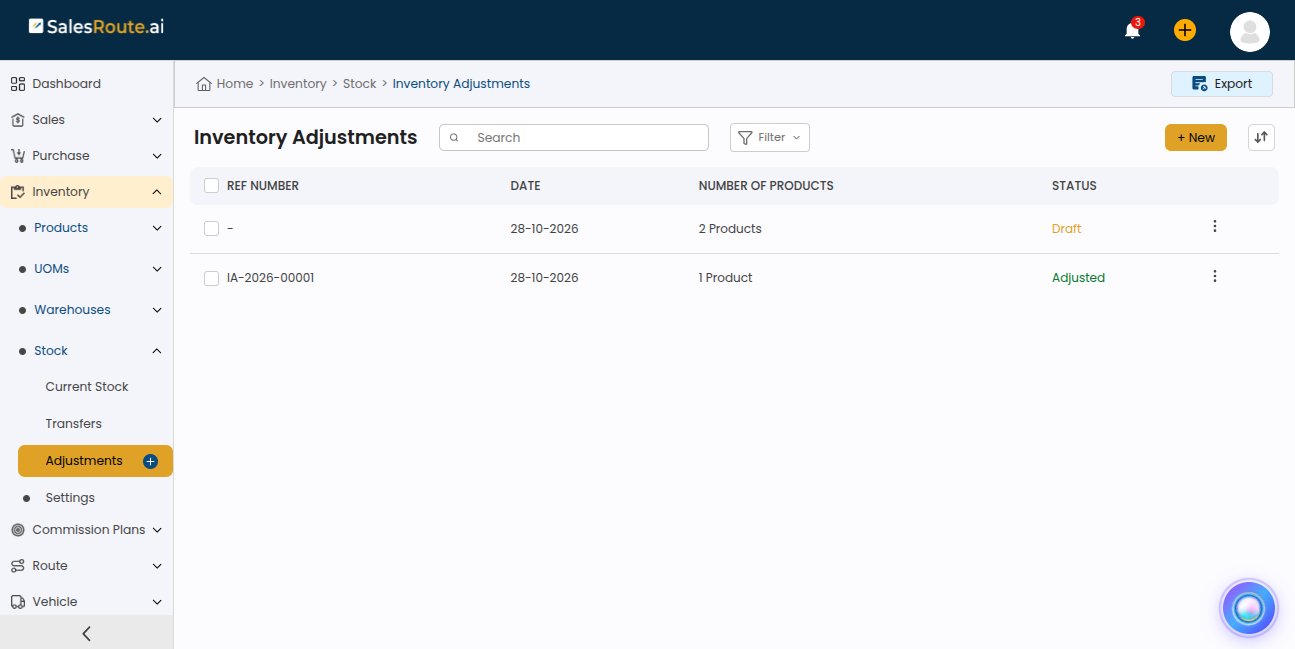
Sometimes the system count and the physical count differ. Common causes are damaged goods, counting errors, missing items, and data-entry mistakes.
Example: The system shows 75 units, the physical count is 72, so the difference is 3 units.
Investigate the gap first. Then correct it through an authorized adjustment with a clear reason. Never use adjustments to cover for missing purchase receipts, deliveries, or returns. Each transaction should reflect the real event that happened, or your records will slowly drift away from reality.
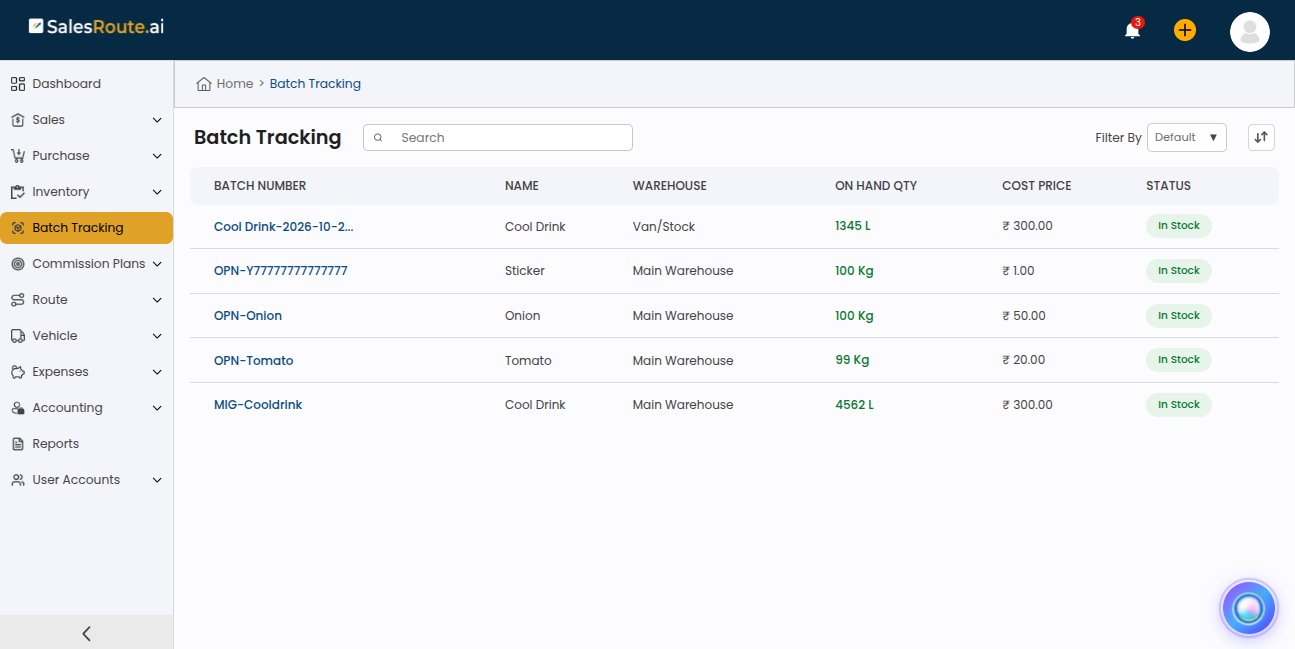
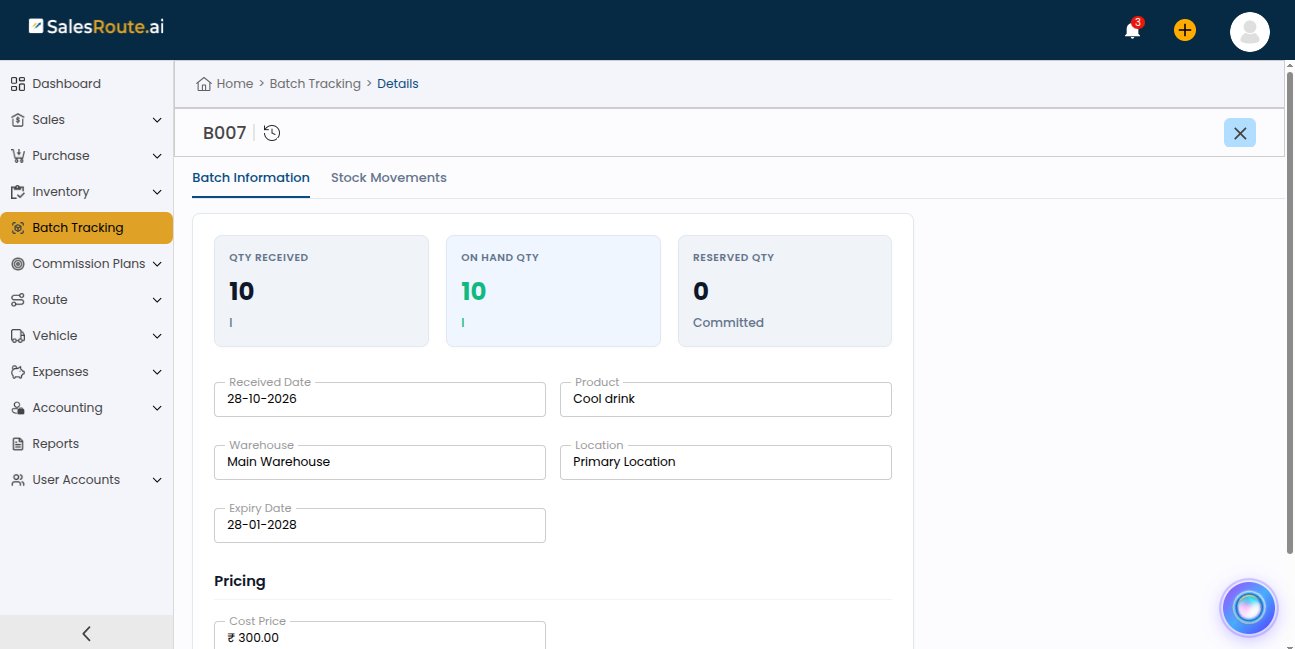
Batch, Expiry, and Stock Rotation
For food, beverages, and other expiry-sensitive products, one total quantity hides important detail.
Consider 100 units made up of two batches:
- Batch A: 40 units, expiring in March
- Batch B: 60 units, expiring in June
Both sit in the same total, but they are not equal. FEFO (First Expiry, First Out) dispatches the earliest-expiring batch first, which reduces write-offs. FIFO (First In, First Out) ships the oldest received stock first and suits products without expiry concerns.
Common Inventory Mistakes and How to Avoid Them
|
Mistake |
Better practice |
|
System stock differs from physical stock |
Count regularly and investigate gaps |
|
Orders confirmed without enough stock |
Check available stock before confirming |
|
Buying too early or too late |
Review demand, available stock, and incoming receipts together |
|
Stock booked to the wrong location |
Verify warehouse or van on every transaction |
|
Returns resold before inspection |
Track physical receipt and inspection status |
|
Short-dated stock shipped last |
Use batch tracking with FEFO |
|
Reports mixing different quantities |
Keep on hand, committed, available, and incoming separate |
A Simple Daily Example
A distributor starts the day with 120 units of a packaged food product. A retailer orders 30 units, and 50 more units are on order from a supplier.
- After delivering the order, on-hand stock falls to 90 (assuming no other movements).
- The 50 incoming units stay “incoming” until they are physically received.
- If other orders compete for the same stock, the team sees that before promising delivery dates.
With purchasing, sales, and inventory connected, these checks take minutes, not a round of calls and spreadsheets.
How This Works in SalesRoute.ai
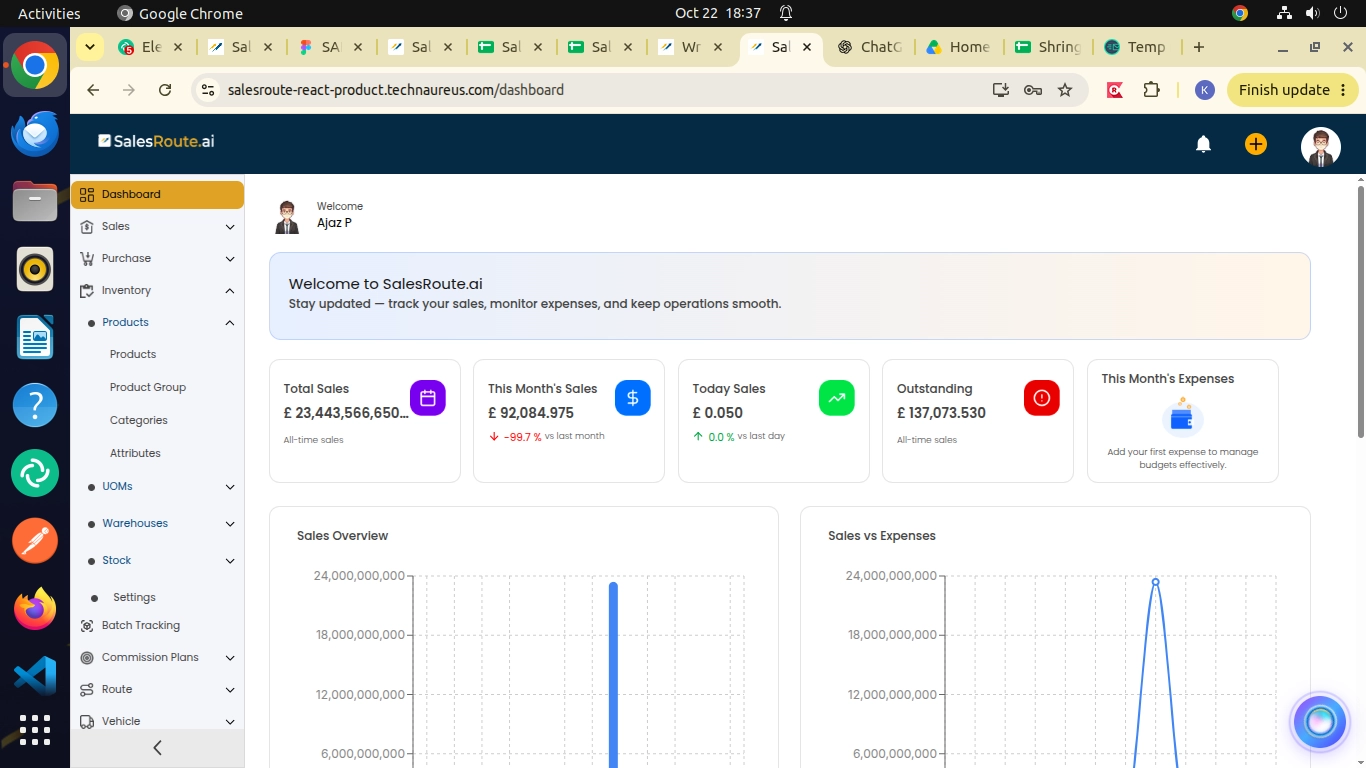
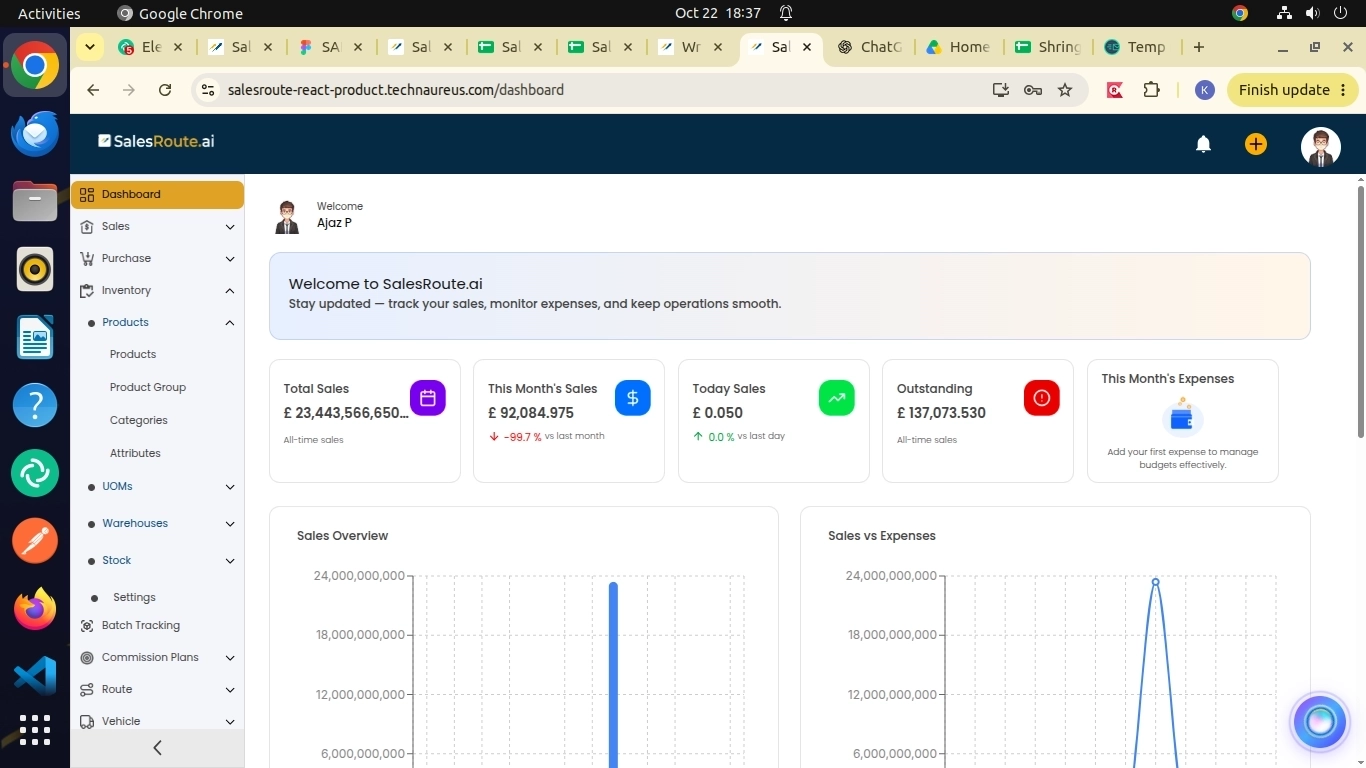
SalesRoute.ai connects inventory with purchasing, sales orders, and reporting in one platform, so teams work from the same stock picture. Inventory Management, Inventory Adjustments, and Purchase Management are part of the platform, alongside order management, route planning, and field sales tools.
For a wider view of how the platform fits together, read how field sales management software works. If you run van sales, see how AI improves van sales and distribution management.
Five Habits for Reliable Inventory Records
- Keep master data clean. Product names, units of measure (bottles, boxes, cases), and locations must be correct.
- Record each event when it happens. Orders, receipts, deliveries, and returns are different events.
- Count and compare regularly. Investigate any gap between system and shelf.
- Restrict adjustments. Allow only authorized users, and always record a reason.
- Review demand against stock. Use reports to spot slow movers, fast movers, and likely shortages.
Conclusion
Good inventory management comes down to one habit: keeping on-hand, committed, available, and incoming stock separate, and recording each event when it actually happens. Do that, and your team stops promising stock it does not have.
Ready to see it in practice? Try SalesRoute.ai free and explore how inventory, orders, and routes work together.
Frequently Asked Questions
1. What is the difference between stock on hand and available stock?
Stock on hand is what is physically in your location. Available stock is on hand minus quantities already committed to customer orders.
2. When should you use an inventory adjustment?
Use it to correct a confirmed difference between system and physical counts, with an authorized user and a recorded reason. Do not use it in place of receipts, deliveries, or returns.
3. What is FEFO, and when should distributors use it?
FEFO (First Expiry, First Out) ships the earliest-expiring batch first. It suits food, beverages, and other expiry-sensitive products.